

<webview> XElement
Used to embed web pages in Lynx, providing a flexible way to integrate existing web resources and accelerate development.
<webview>acts as a viewport on the element side and must have a fixed width.<webview>acts as a viewport on the element side and requires a fixed height.- After the web resource finishes rendering, use
document.getElementByIdto obtain its height, then notify<webview>to adjust the height via message. - Unless
native-interaction-enabled={false}is set on<webview />, interaction events of<webview>cannot pass through to other elements. <webview>cannot be nested with other scrollable elements; if needed, wrap it with<scroll-view>.- To intercept click events, manually add
catchtap={() => {}}to<webview />.
Usage
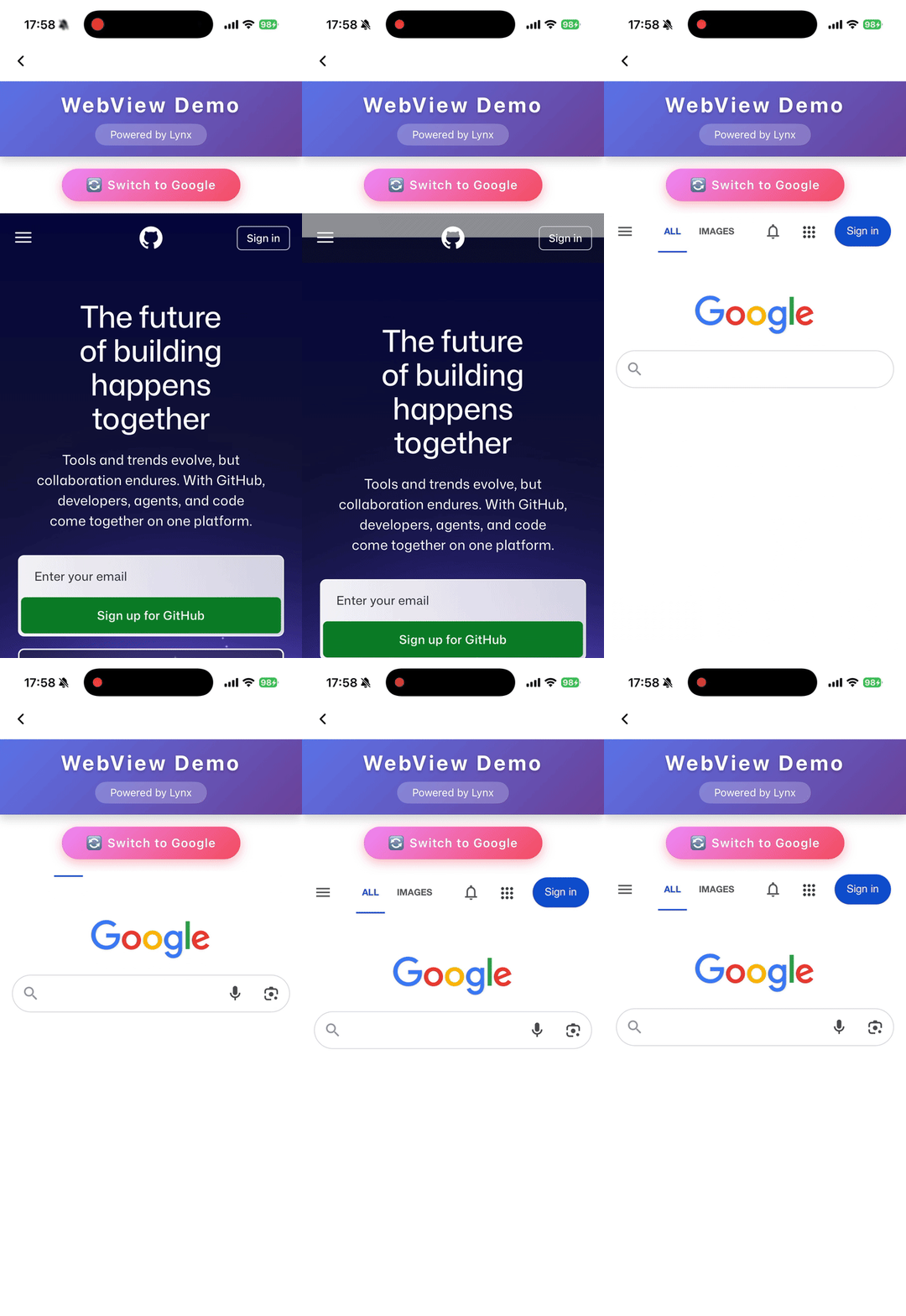
Load Web Content
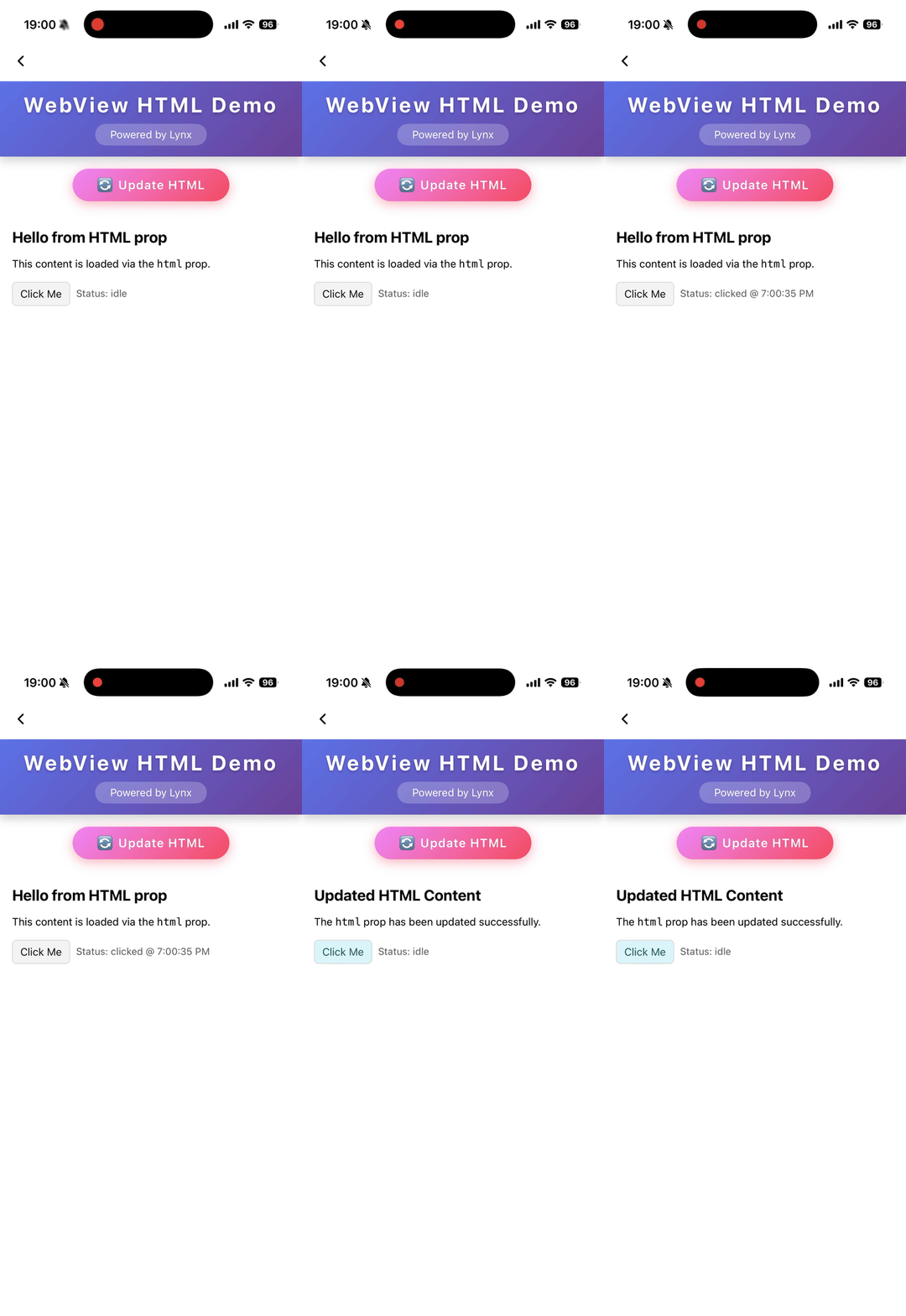
Load HTML String
Attributes
bounces
iOS
Enable bounce effect
cookies
Desktop
Lynx 3.5
Preset cookies
enable-debug
Android
iOS
Desktop
Harmony
Enable WebView debugging in Android so that it can be debugged in Chrome DevTools
html
Android
iOS
Harmony
3.6
A string that represents the html content to load. Automatically trigger content refresh when the html changes. Priority lower than
src
.
initjs
Desktop
Lynx 3.5
Execute javascript when document ready
params
Android
iOS
Params for external webview implementation
scroll-bar-enable
iOS
Enable scrollbar
src
Android
iOS
Desktop
Harmony
A string that represents the location of a resource on a remote server. Automatically trigger content refresh when the src changes
use-osr
Desktop
Lynx 3.5
Whether enable offscreen rendering mode
webview-type
Android
iOS
Harmony
Specify the type of webview, it could be a implementation of a webview inject from LynxService
Events
Frontend can bind corresponding event callbacks to listen for runtime behaviors of the element, as shown below.
binderror
Android
iOS
Desktop
Harmony
Error event
bindload
Android
iOS
Desktop
Harmony
Load success event
bindlocationchange
Desktop
Lynx 3.5
location change event
bindmessage
Android
iOS
Desktop
Harmony
Message post from javascript
bindopenwindow
Desktop
Lynx 3.5
open window event
Methods
Frontend can invoke component methods via the SelectorQuery API.
cookies.flushStore
Desktop
Lynx 3.5
Write any unwritten cookies data to disk for webview
cookies.get
Desktop
Lynx 3.5
Get cookies from webview
cookies.remove
Desktop
Lynx 3.5
Removes the cookies matching url and name
cookies.set
Desktop
Lynx 3.5
Set a cookie to webview
eval
Android
iOS
Desktop
Harmony
Call js function
reload
Android
iOS
Desktop
Harmony
Reload the webview
Compatibility
LCD tables only load in the browser